Plant Monitoring & Control

You cannot tell from the control room whether an event on the site is real.

You can judge whether an event is real, and you can decide who enters. Video surveillance and physical access control, designed for your plant, are built for a large site that is often unmanned.

Someone can be at the fence, the gate, or the inverter yard. You detect on the perimeter, then verify the event before you act on it. Fixed cameras keep a continuous record of gates, buildings, and yards. Entry is biometric, and it sits with the cameras. You run both from one place.

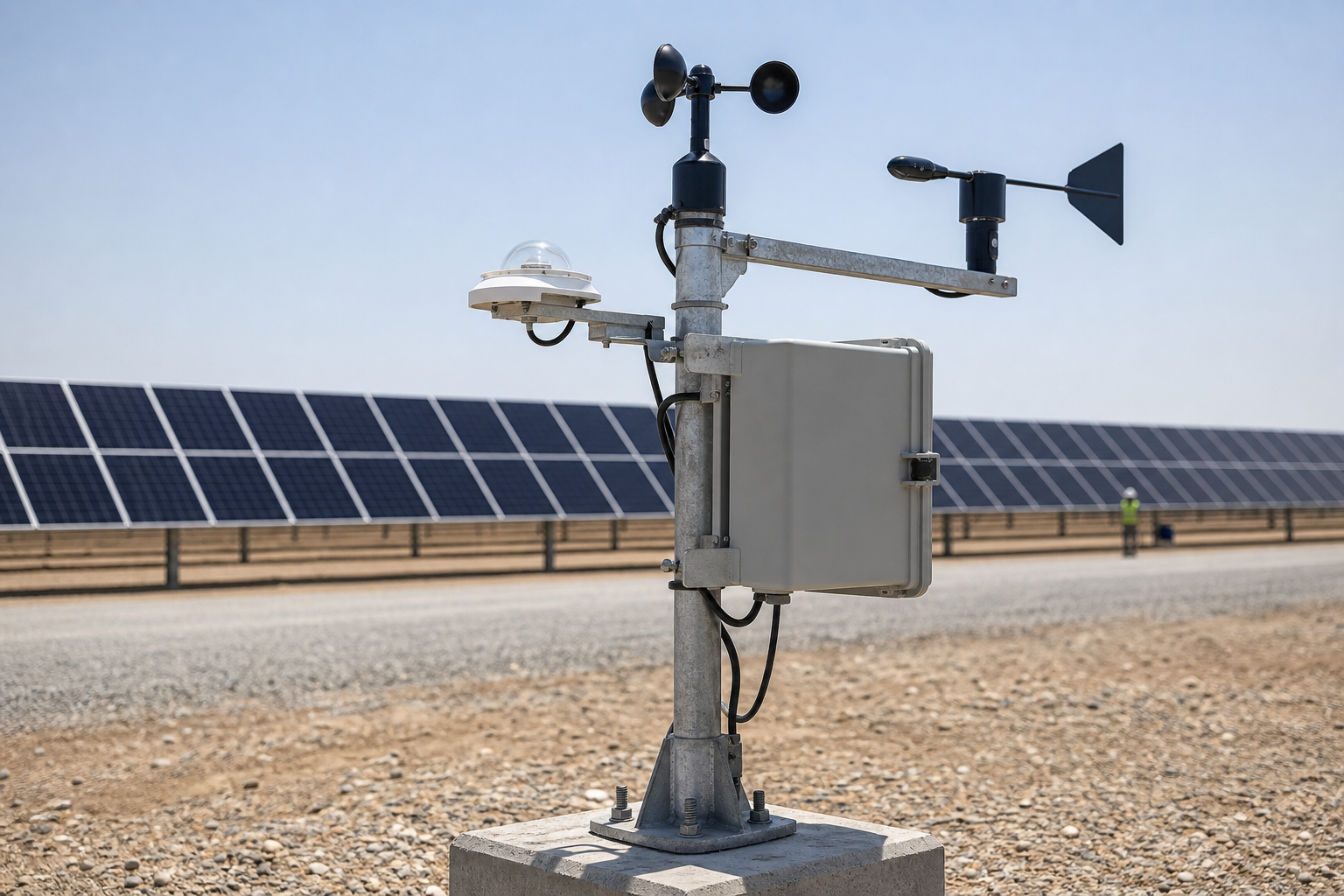
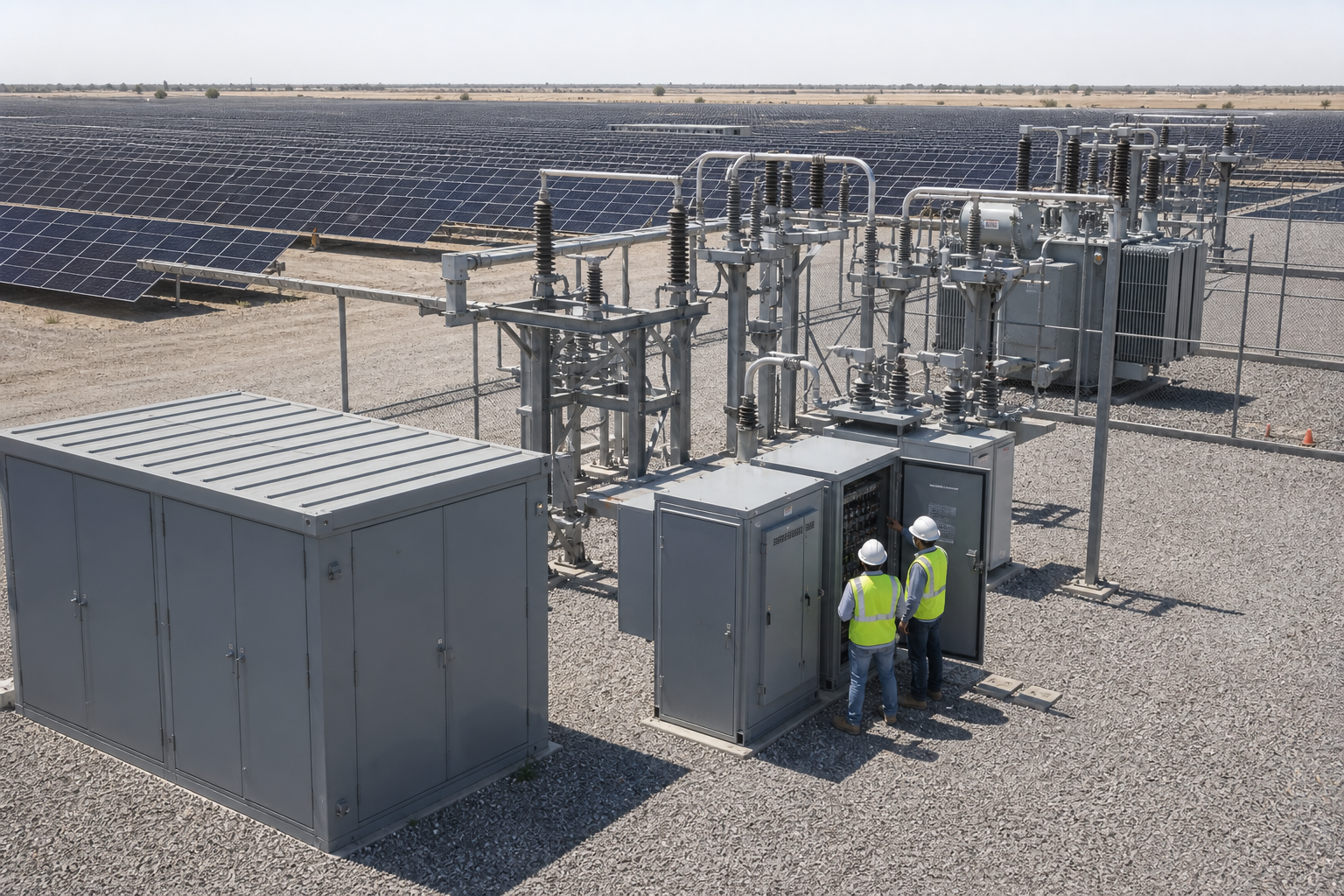
A utility-scale plant perimeter, gate, and electrical yard.

Three responsibilities

The three security layers of our design

Detection, fixed coverage, and entry each have their own cameras and control hardware. They operate as one system on your plant. The full set is run from one place.

Detect & Verify

Detect & Verify

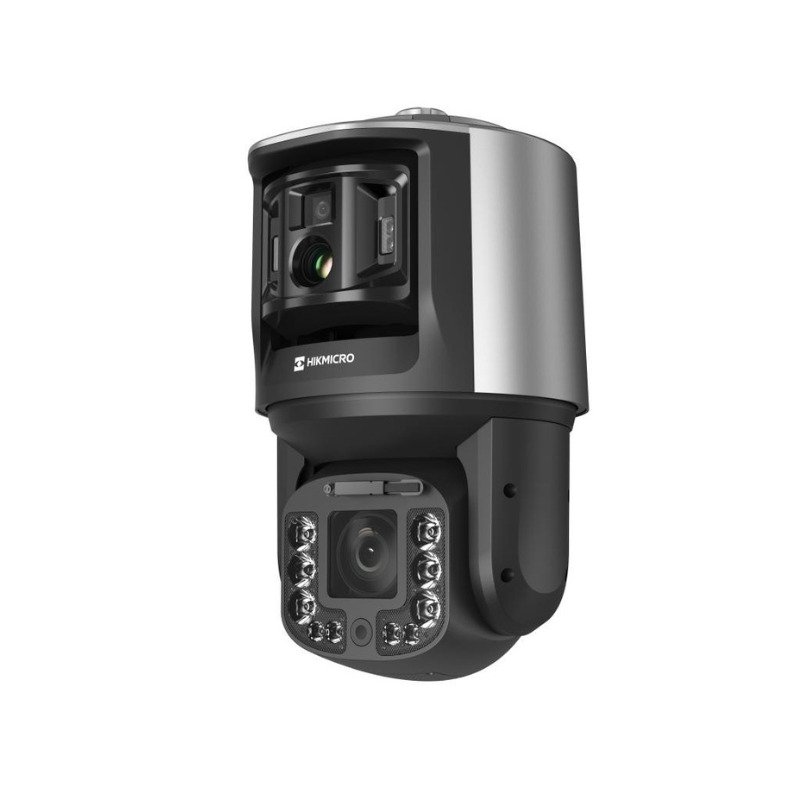
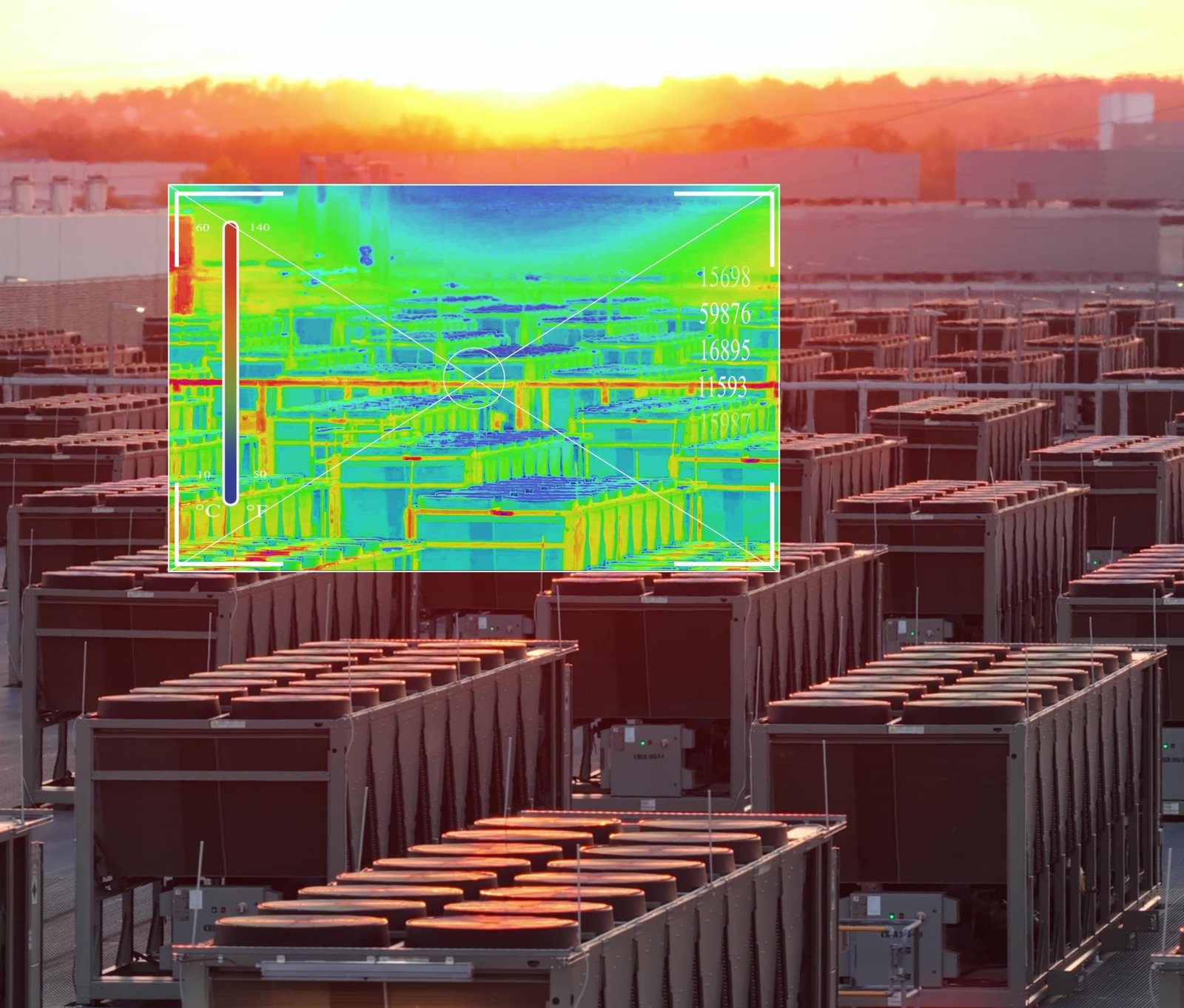
Thermal cameras are the first line on the perimeter. They detect people and vehicles in any light or weather. AcuSense classifies humans, vehicles, and other motion, so false alarms drop. Temperature measurement can raise an early fire alarm. A pan-tilt-zoom (PTZ) camera verifies and follows, then zooms. A thermal camera or HikCentral sends it.
Cover

Cover

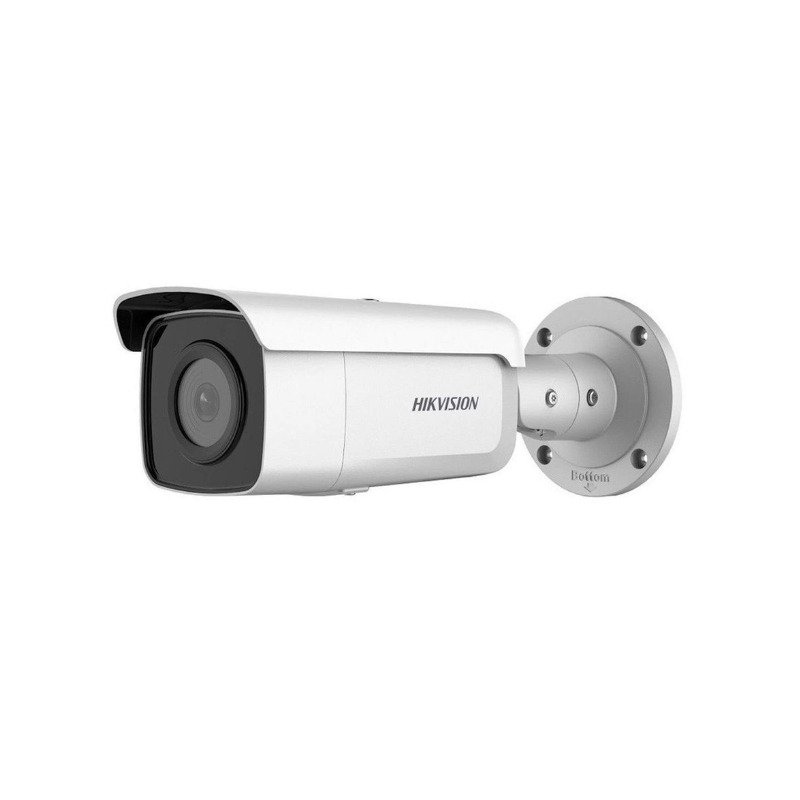
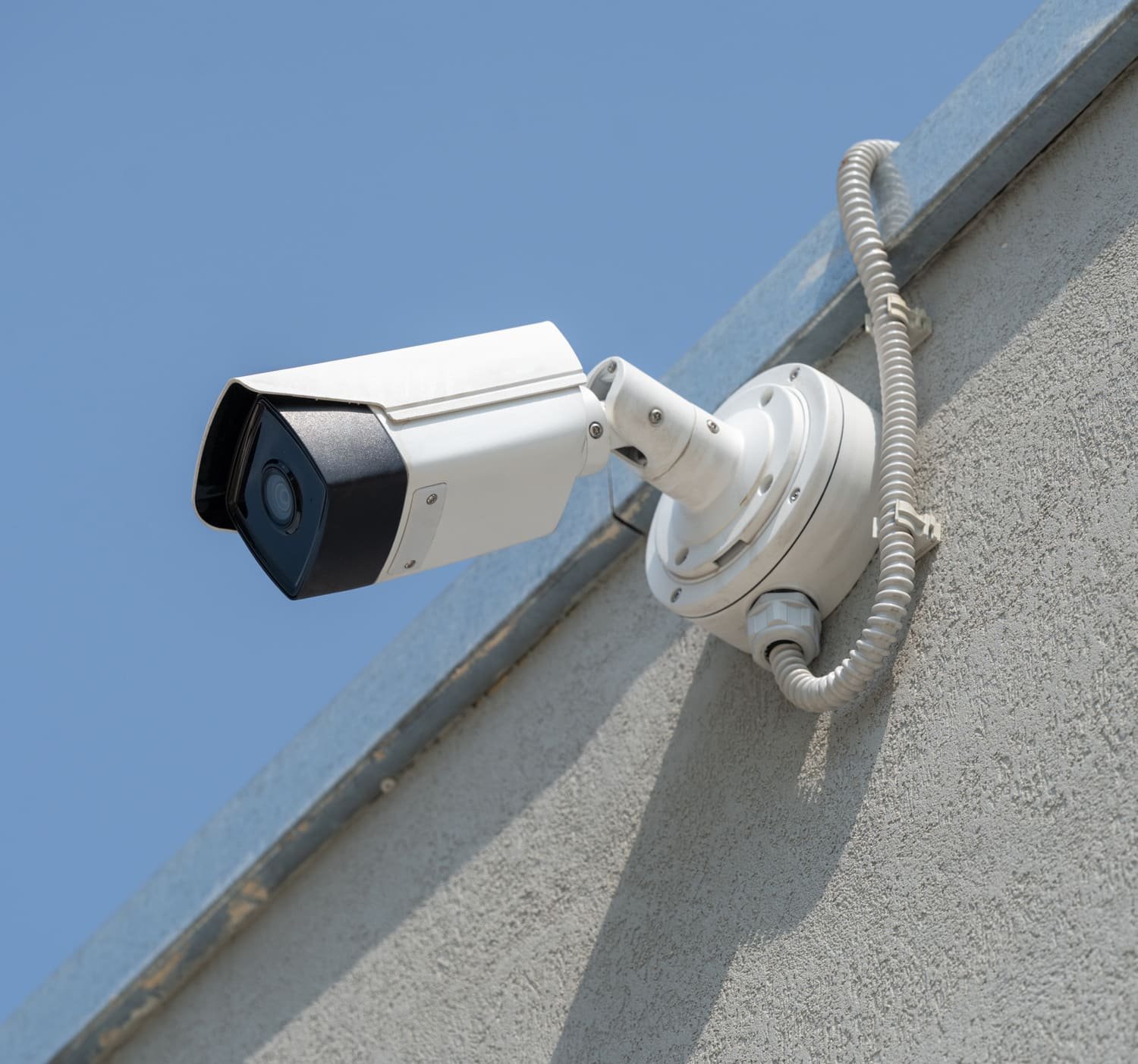
Bullet cameras hold a fixed view of gates, buildings, and the approaches to inverters or the substation. The recording is already there when you investigate. The camera is rated IP67, so the view holds outdoors. On newer AcuSense generations, you search the video by image.

Control

Control

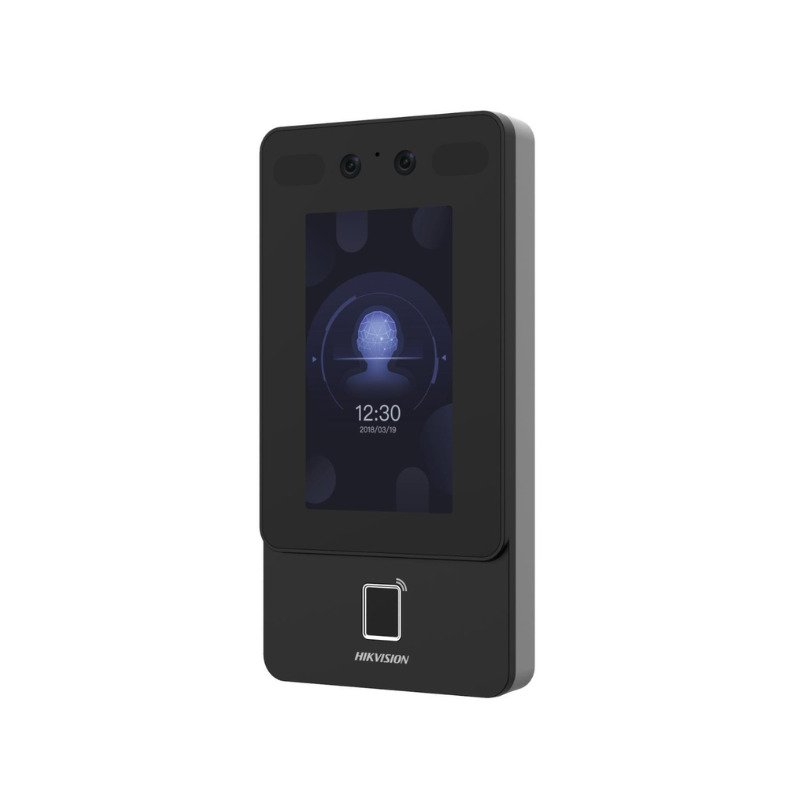
Access control decides who comes in. It is biometric, and HikCentral holds it with the cameras, so the entry and the image of that entry are handled together. You operate alarms, doors, and cameras from that one system, including from a phone browser.

The equipment

What a plant surveillance design is built from

These six Hikvision pieces are what we specify on most plants. Equipped with modern technologies like AcuSense, the cameras tell people and vehicles apart from other motion, so recognition is tighter and false alarms drop.

Thermal cameras

They are the first line of perimeter detection. They detect people and vehicles in any lighting or weather. AcuSense classifies humans, vehicles, and other motion, so false alarms drop. Temperature measurement can raise an early fire alarm. Place them on the fence line.

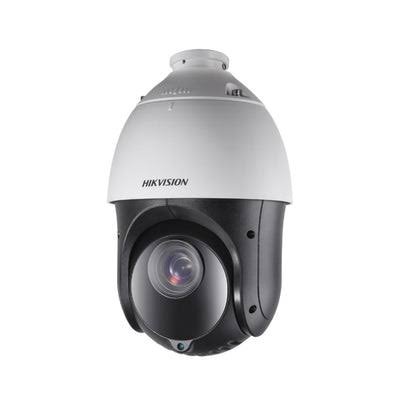
PTZ cameras

They verify and follow an event. AcuSense classifies people and vehicles versus other motion, so the zoom is on a real event. HikCentral or a thermal camera sends the PTZ. Extra lenses keep the wide view. Place them on yards and long fence runs.

Bullet cameras

They hold a fixed outdoor view, rated IP67, of gates, buildings, and inverter or substation approaches. The recording is already there, so an investigation starts faster. On newer AcuSense generations, you search that video by image in one click. Place them on those fixed points.

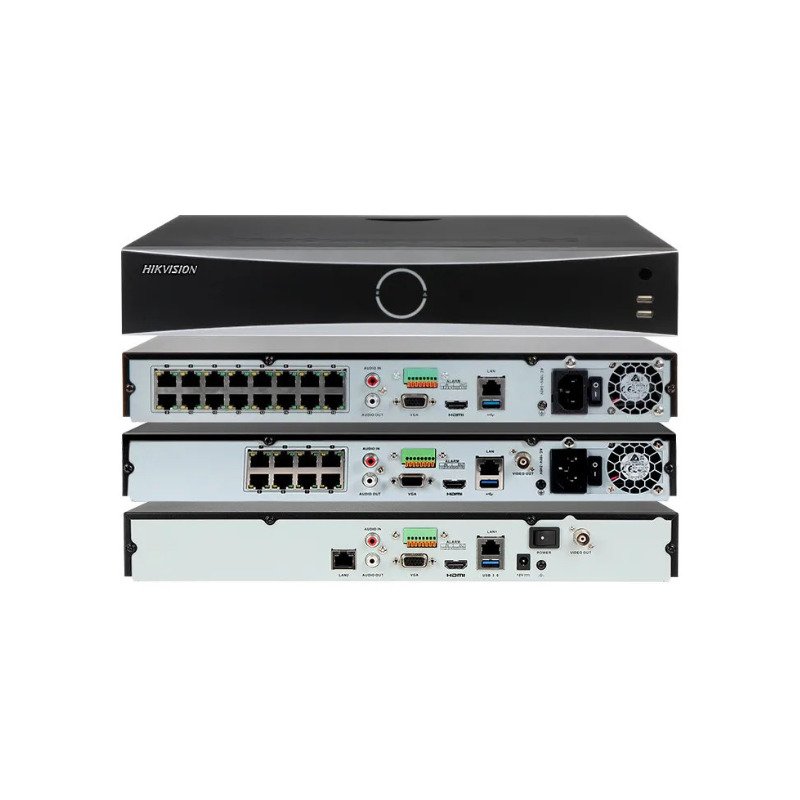
NVR

The network video recorder (NVR) records and stores video on site, not in a cloud archive. You play back and download recordings and the alarm log from a browser or phone, through Hik-Connect and HikCentral. Place it in the control room or the communications rack.

HikCentral

It is the operating point for alarms, cameras, access, and system health. You export media and run the system from one place. The web client opens on any device, including a phone. You use it in the control room, or from any browser.

Access control units

They decide who enters. The check is biometric, and HikCentral holds it with the cameras, so access and video confirm each other. Place them at the gates and building entries you need to control.

The surveillance package is designed and handed over as part of the plant EPC.

Six steps run from the site survey to the day you run the system. The equipment is adapted to your plant, not the other way around.

  1. Site survey and risk assessment

    We walk the fence, the gates, the buildings, and the electrical yards. Risks on that site decide the design. You receive a picture of what must be seen and who must be kept out, specific to this plant.

  2. Camera layout and coverage design

    We set detection ranges, pole positions, and fields of view on the drawing. Thermal, PTZ, and bullet cameras each receive a job. Construction can place the cameras from that layout.

  3. Network, power, and storage design

    The backbone is fiber or radio, sized for this plant. Cameras use Power over Ethernet (PoE). Retention is calculated before any storage is ordered. The recording works only if power, network, and storage are designed with the cameras.

  4. Integration with SCADA, alarms, and the control room

    Video and access events have to meet the room that runs the plant. The design includes the interface to SCADA and alarms. SCADA remains the system that runs the plant.

  5. Installation supervision, commissioning, and acceptance testing

    We supervise the installation on your site and commission the system through acceptance tests. Handover is a working system on your plant, not a box of cameras.

  6. Documentation, training, and handover

    As-built documentation describes the system as it was built on your plant. Training covers alarms, cameras, playback, and access in HikCentral, so you can run the system when we leave the site.

The control room

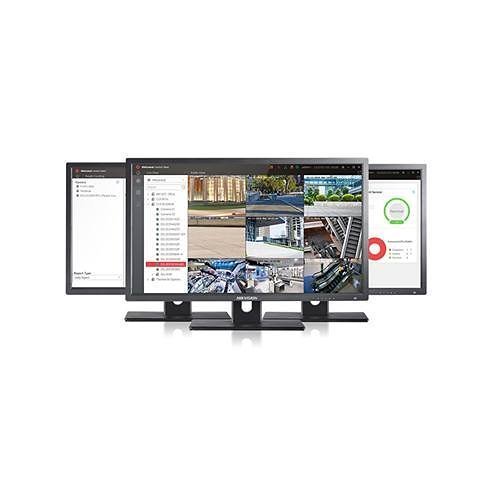
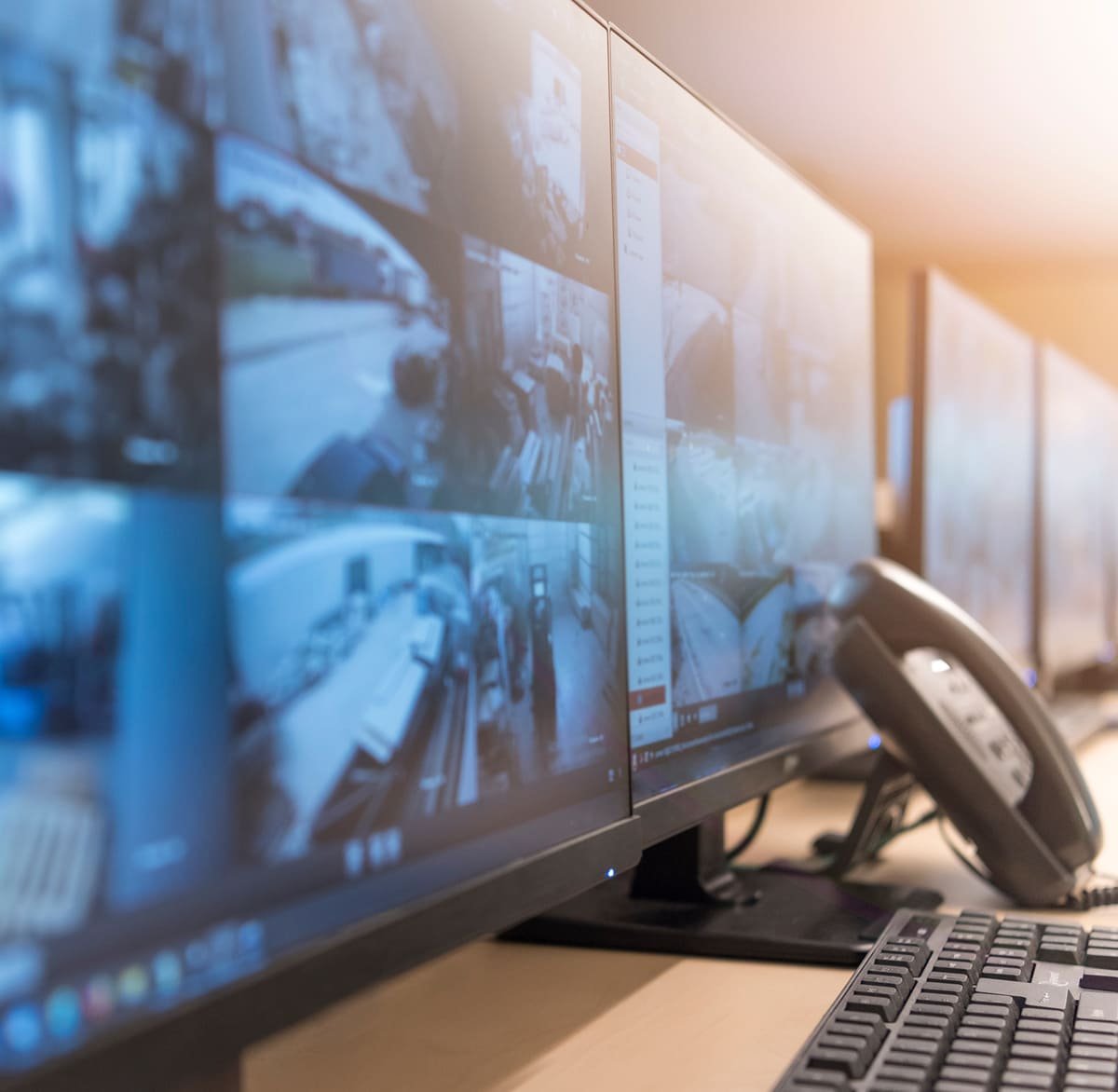
Run the full surveillance system from HikCentral.

You open a web client on any device, including a phone. Monitoring and operation sit together there in Hikvision's HikCentral.

Alarms, media export, camera control, intrusion, access control, and health monitoring are handled in that one place. The control you run from HikCentral is manual. An access event stays with the camera on that door.

HikCentral software interface for plant surveillance monitoring and operation.

Bring the plant drawings, or the sites you are about to build.

We will design the surveillance and access package with your EPC, from the site survey through handover, so the control room can run it.

Talk to an engineer